Taking notes in a notebook and then manually transferring them to the POS or kitchen can fall short when the dining room is full. That's why we've created the order pad: a lightweight version of Q'aproveche's POS, designed for waiters to carry a tablet in hand and take orders right at the table.
What it does (and doesn't)
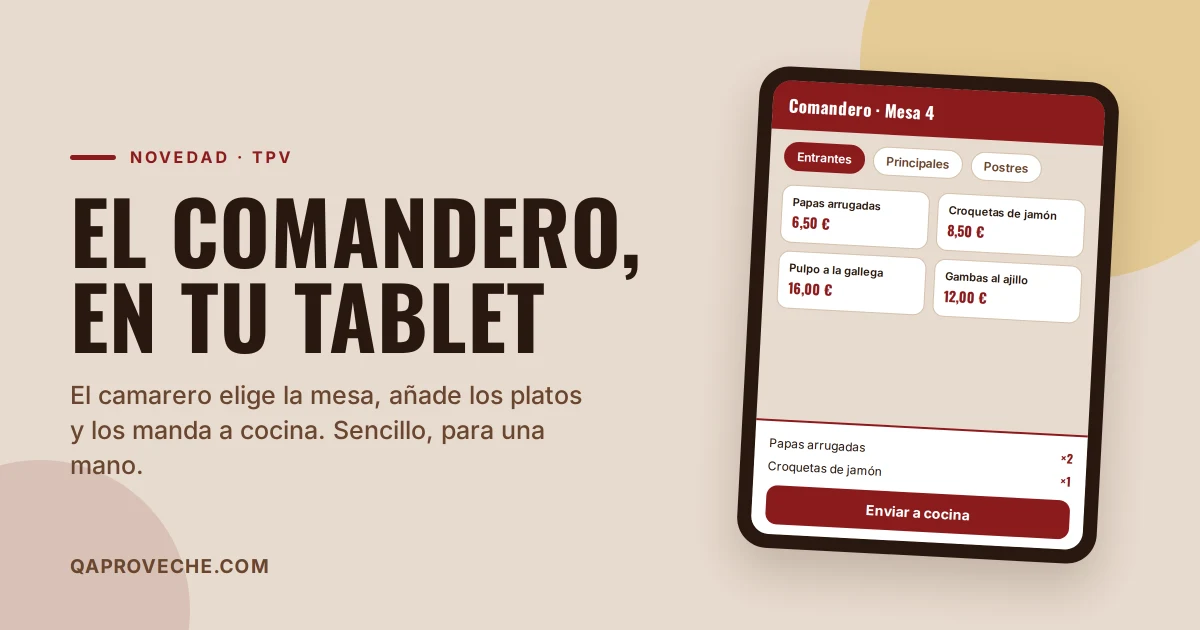
The order pad goes straight to what's needed on the floor: select the table, add dishes from the menu and send them to the kitchen. That's it. Payment, till and dining room configuration stay in the full POS, as before. This way the waiter's screen is simple, with large buttons and designed to be used one-handed, in portrait mode.
How to use it, in three steps
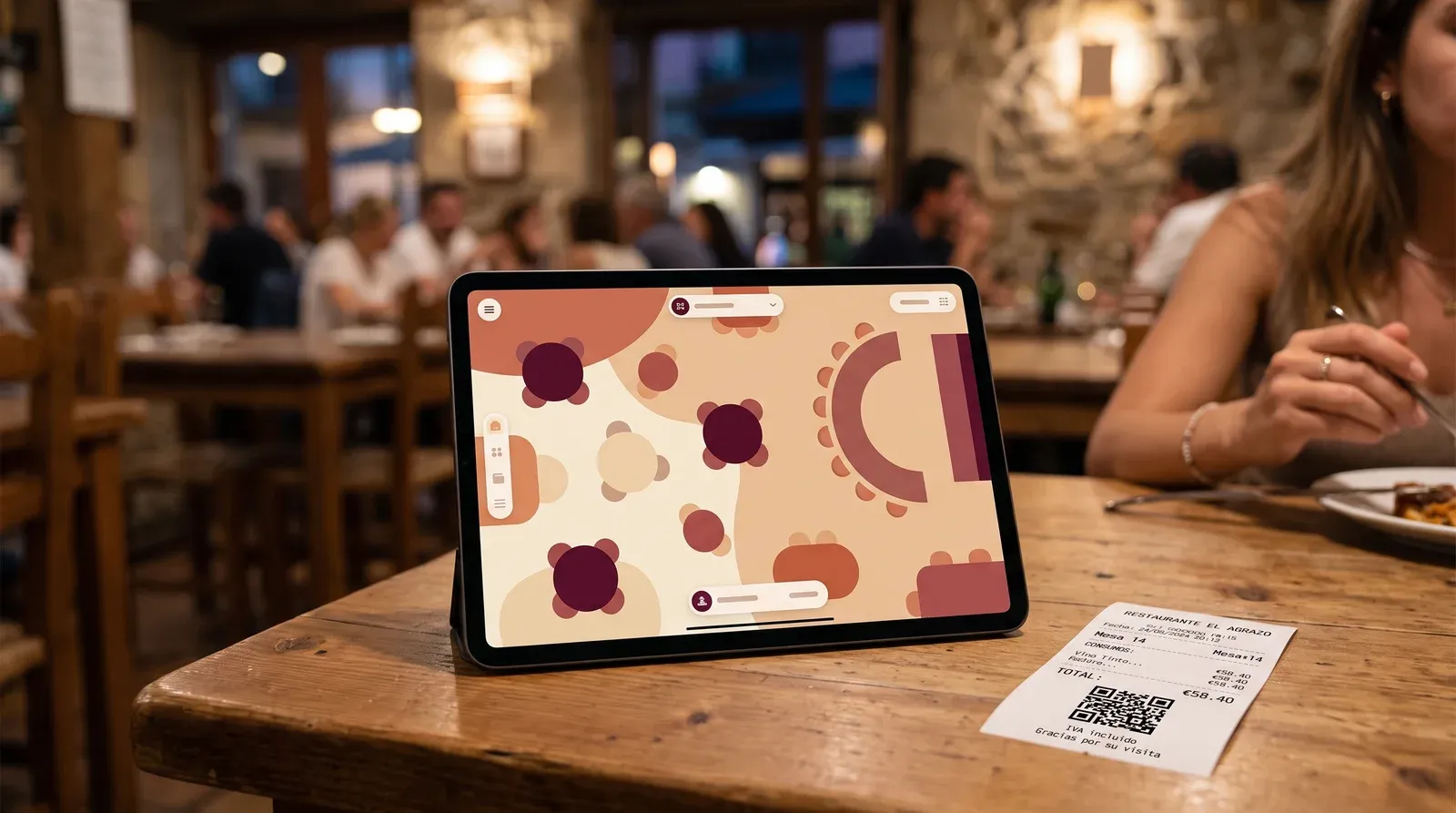
- Select the table. When you open the order pad you see the table plan: available tables and those already with an open bill, showing their total. Tap one to enter its order.
- Add dishes. The menu appears by category. Tap each dish to add it, and the order builds up at the bottom, with + and − buttons to adjust quantities.
- Send to kitchen. A button sends new items to the kitchen and marks them as sent. Previously sent items aren't sent twice, and you can keep adding to the same table when diners order more.
What gets sent to the kitchen appears in the restaurant's Orders, just like any other order, so the kitchen sees it straight away.
Who can use it
Any employee who logs in with their PIN, just like on the POS. Each one enters with theirs and takes orders. No need to set up separate permissions or user accounts.
How to activate it
The order pad is part of the POS. If you already have it, you'll find it in the panel menu under «POS», and also with an «Order Pad» button on the POS screen itself. The convenient way is to open it on the tablet and save it as a shortcut on the home screen: it appears as just another app.
If you don't yet have the POS and want to see it, get in touch or visit qaproveche.com. And if you're not yet using Q'aproveche, you can create a free account and explore the digital menu, bookings and more. No credit card needed.
Does your restaurant still not have a digital menu?
Try Q'aproveche free — QR menu, bookings, smart reviews and AI Waiter. One platform. No lock-in.
Start free →